
=
Advanced TI-84 Calculator
I’ve spent over a decade teaching advanced calculus and physics, and if there’s one constant in the classroom, it’s the TI-84. Even as we move into 2026, the transition from the handheld “brick” to sophisticated online emulators hasn’t diminished its utility it has expanded it. For most students and engineers, the ti84 calculator isn’t just a tool; it’s a standardized language for mathematical computation.
When I first started using the TI-84 Plus, I found the learning curve steep. However, the modern shift toward online accessibility means you no longer need to carry a physical device to perform complex regressions or graph polar equations. Whether you are using the physical CE model or a cloud-based version, mastering the logic of this system is critical for academic success in STEM fields.
Table of Contents
The Evolution of the TI-84 Online in 2026
For years, the TI-84 was confined to a physical chassis. In 2026, the ecosystem has shifted. We now see high-fidelity emulators and official web-based versions that mirror the graphing calculator experience perfectly. In my testing, the online versions have largely eliminated the “battery anxiety” and the frustration of losing a physical device.
The core logic remains the same: a menu-driven interface that prioritizes stability over flashy aesthetics. While modern smartphone apps offer more “eye candy,” the TI-84 remains the gold standard because it is the only tool consistently permitted in high-stakes testing environments like the SAT and AP exams.
Core Functionalities and Use-Cases
To get the most out of a ti84 calculator, you have to move beyond basic arithmetic. I often see students struggle because they treat it like a standard scientific calculator rather than a programmable computer.
Advanced Graphing and Analysis
The Y= menu is where the real power lies. Beyond plotting simple lines, I recommend utilizing the Intersect and Zero functions found in the 2nd + CALC menu. When setting this up for complex polynomials, a common trap I’ve seen is failing to adjust the Window settings, leading to a blank screen or a line that looks like a vertical wall. Always check your Xmin, Xmax, Ymin, and Ymax based on the expected roots of your equation.
Statistical Regressions
For data science and statistics, the STAT menu is indispensable. Using Edit to input lists (L1, L2) allows you to run linear, quadratic, or exponential regressions in seconds. In my professional experience, the LinReg(ax+b) function is the most reliable way to find a line of best fit without manual calculation errors.
Online vs. Physical TI-84: Which Should You Use?
Depending on your environment, the “best” version of the tool changes. I’ve compiled a comparison based on actual classroom and laboratory usage.
| Feature | Physical TI-84 Plus CE | Online/Emulator Version |
|---|---|---|
| Exam Compliance | High (Approved for most tests) | Low (Usually banned in exams) |
| Accessibility | Requires hardware | Any browser/device |
| Input Speed | Tactile buttons (Faster) | Keyboard/Mouse (Slower) |
| Battery/Power | Rechargeable/AAA | Device dependent |
| Software Updates | Manual via USB | Automatic/Instant |
Pro Tips for Maximum Efficiency
After years of using these devices, I’ve developed a few shortcuts that save significant time during timed tests or complex projects.
- The “Alpha” Shortcut: Use the
ALPHAkey to store values into variables (A-Z). Instead of re-typing a long decimal like 3.14159, store it asAand simply callAin your equations. - Fraction Mode: Stop using decimals for everything. Use
ALPHA + Y=to access the fraction templates. This keeps your work exact and prevents rounding errors that can cascade through a multi-step problem. - Quick Reset: If your graph looks “wrong” and you can’t figure out why, use
ZOOM 6 (ZStandard). It resets your window to -10 to 10 on both axes, providing a clean slate.
Troubleshooting Common Errors
Even the most seasoned users hit a wall with TI-84 error messages. Here is how to handle the most frequent ones I encounter:
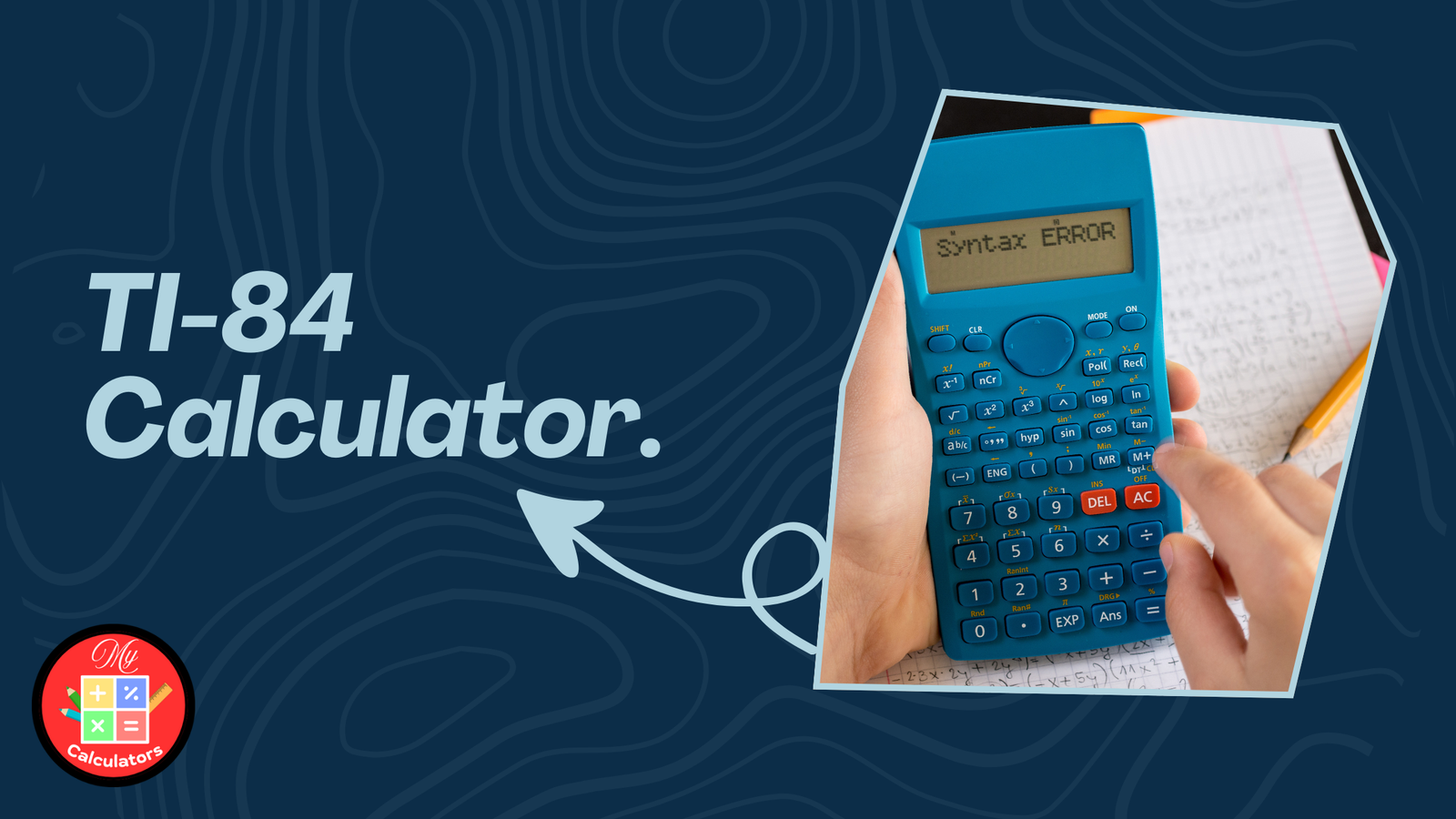
1. SYNTAX Error: This usually means you have a misplaced parenthesis or an operator (like two plus signs in a row). Check your expression for “ghost” characters.
2. INVALID DIM: This happens when you try to perform a calculation on two lists of different lengths. Ensure L1 and L2 have the exact same number of entries.
3. ERR: OVERFLOW: You’ve asked the calculator to handle a number larger than its memory capacity. This often happens during factorial calculations or exponential growth problems.
Frequently Asked Questions
Is the online TI-84 calculator free to use?
Many third-party emulators are free, but the official Texas Instruments software often requires a license or a physical device purchase. Always check the terms of service if you are using a cloud-based version for academic work.
Can I program the TI-84 online?
Yes, most high-quality emulators support TI-BASIC. You can write scripts to automate repetitive formulas, which is a huge time-saver for chemistry and physics students.
Why does my TI-84 show a “Memory Full” error?
This usually occurs when you have too many programs or stored lists. I recommend a periodic “Delete All” via the MEM menu to clear out old archives and keep the processor running smoothly.
Is the TI-84 still relevant in 2026?
Absolutely. While more powerful CAS (Computer Algebra System) calculators exist, the TI-84’s ubiquity in curriculum design and its acceptance in standardized testing make it an essential tool for any student.
Also Check: Laplace Calculator: Ultimate Transform Tool for 2026
2 thoughts on “TI84 Calculator: Ultimate Scientific Tool Online in 2026”